

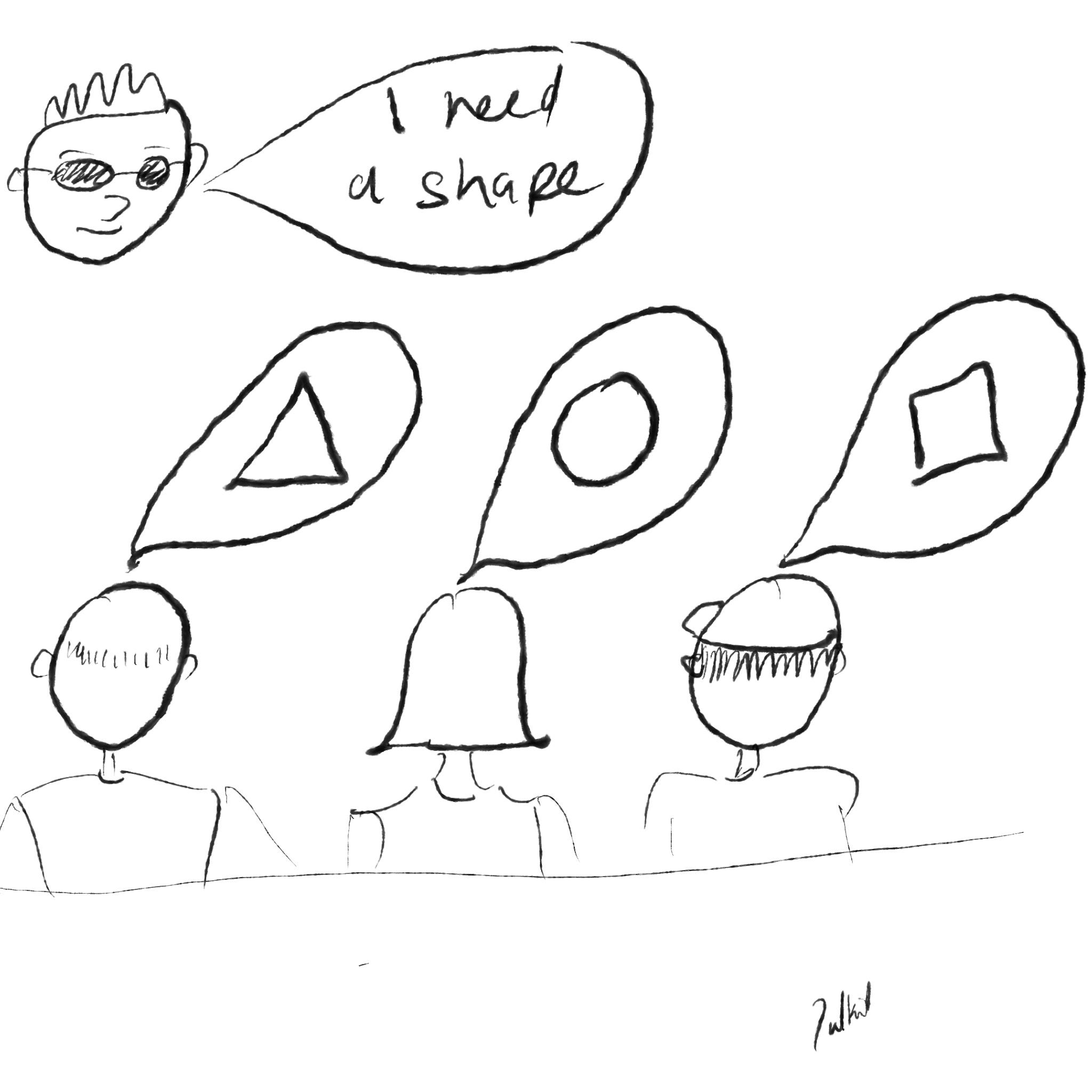
“The software agency doesn’t understand my vision…”
This has been a recurring theme in my conversations with non-technical founders building a digital product. As with most things, it’s not a software problem but a people problem. The software world is human, no matter how “robotic” the odd software developer may seem. If there are two parties involved in creating something, there is bound to be a difference in perspective and understanding.
Thankfully, the problem is not too difficult to solve.
Let’s begin.
Bing! You have an idea.
Did you ever have to deal with a web of spreadsheets that gave you an idea for a digital solution? Have you had app ideas? Have you found a broken, disjointed process that you know can be turned into gold with the right software implementation? You have people suffer, you know there’s a market, and you have a solution in mind.
Well done to your solution-oriented, creatively driven self.
But your creativity is no good if it stays inside your mind. Or in your notebook. Or in a WhatsApp message to yourself.
You won’t learn if your software project actually solves problems for your target users till you can put it in front of them. That app is not going to create value for anyone if it’s not real.
So what do you do? You engage with someone who can code. A freelancer from Fiverr. A university-driven consultancy. A software development agency.
It’s go time.
“You tell us what you want. We’ll build it.”
You have found your development partner. They understand your idea. You talked with them for a full three hours. They said, “We’ve got it, we’ll get cracking”.
It’s an exciting time. Software development projects have the power to be revolutionary. They can change the way organisations operate for the better. They can help you find operational efficiency. They can help increase revenues and drive growth. I have seen this first-hand. And you are ready to see your own product create value for you and your potential clients.
But, revolutions can also go the other way.
I have seen riots kick off in boardrooms. I have seen a badly designed and implemented product create friction between previously collaborative groups. I have seen the technical and non-technical stakeholders enter a cold war that would rival the real one in intensity (thankfully, without the human cost). I have seen people give up.
Two months later, you get to see your product. It just doesn’t match your vision. You were sure that the development team had understood you. But this is not what you were going for. The changes are going to cost more. The money’s running out.
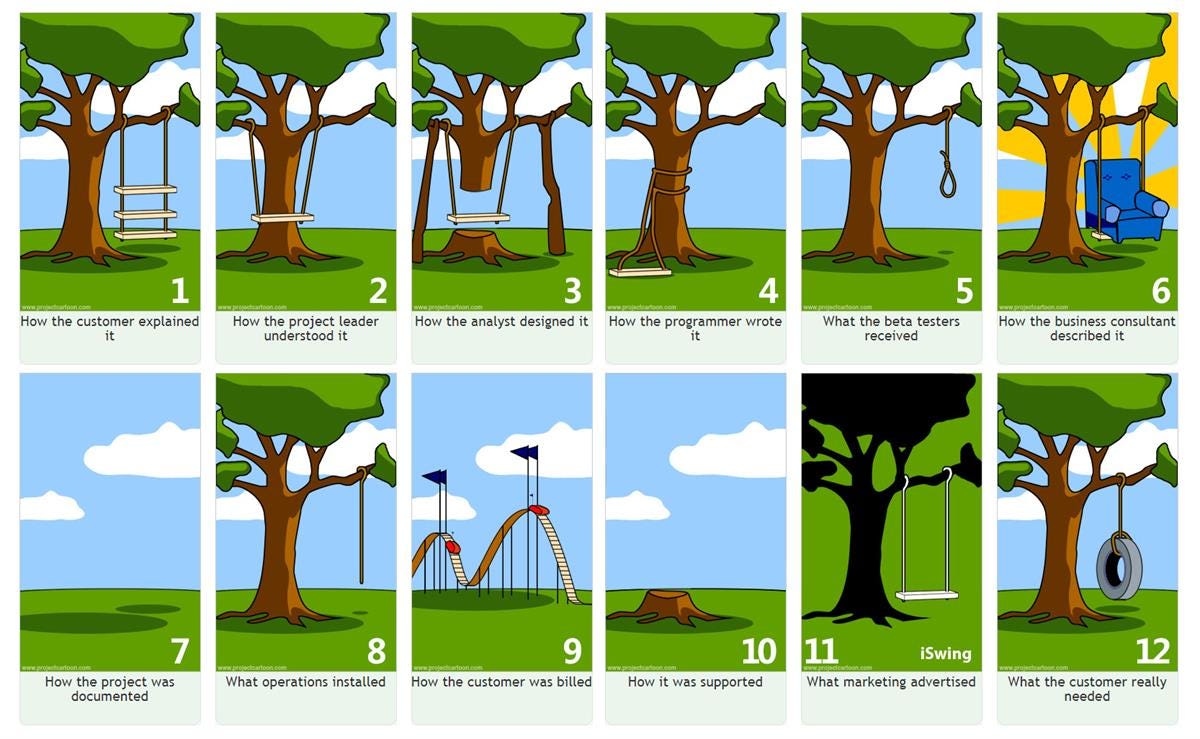
If you were building a building…
Would you let your construction partner/builder “build” without plans, architectural drawings, cost breakdowns, and all the other fixings?
No. I really hope not.
These documents won’t make complete sense to you. You are not a builder or a civil engineer. However, together these documents will help you see if your vision has been understood. You will know where the windows will be put. You will know where the doors will be. You will know where the lights will go. You need to know how much you are going to be paying and for what. You need to know when you can move in.
Construction only begins once you sign off.
The same thing applies to software (or any product development, digital or physical).
Artefacts that can help you find alignment
It is in your development partner’s best interest to make sure that they get your vision as you do. It saves hassle, tears, and relationships. You need four things:
High-level overview of the functions (theme) and the features (epic)
A detailed breakdown of the solution down to individual user stories
Depending on budgetary constraints, these could be accompanied by
User flows
Wireframes
Process flows
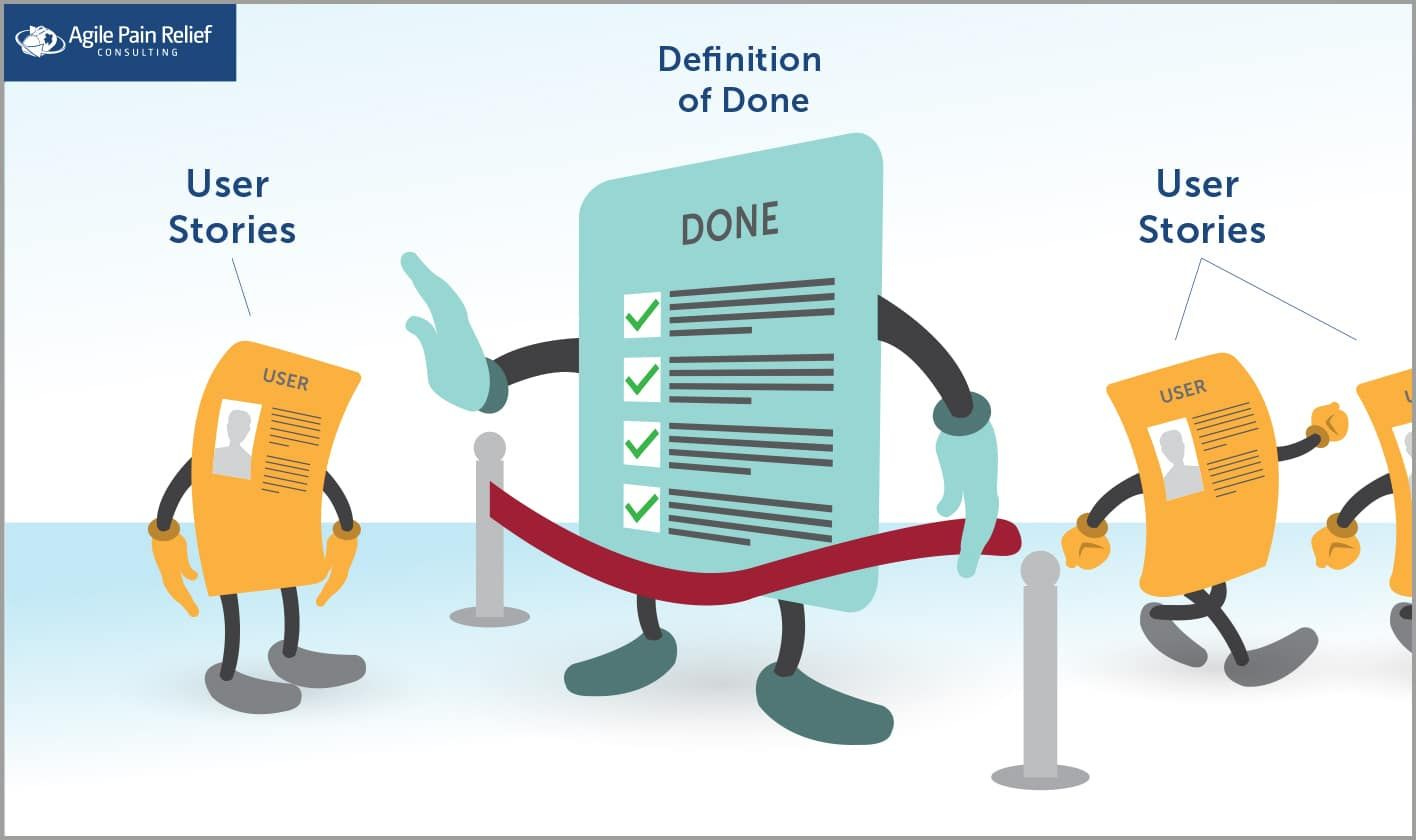
Definition of done: how do you know that a certain feature is complete and will satisfy the stakeholders
Can include
Acceptance criteria (mandatory)
Validation rules
Edge cases
A timeline and cost breakdown
Now, let’s dive into each artefact and the benefits it brings.
The high-level overview
Your discovery phase should yield a high-level overview of the solution that you envision.
Your development team and you will need to build a joint understanding of the requirements for the key user groups. What are their goals? What are they planning to accomplish? What steps will they take to achieve those goals?
For example:
User: Customer (e-commerce platform)
Goal: Account management
Tasks: Create account, view account, edit account, and delete account
User: Admin (e-commerce platform)
Goal: Customer management
Tasks: View all customers, view an individual account, add a new account and so on…
You are creating a model that establishes the relationship between the goals and how they will be accomplished. This could be in the form of a brainstorm or some kind of mapping exercise. My personal favourite is Jeff Patton’s User Story Map.
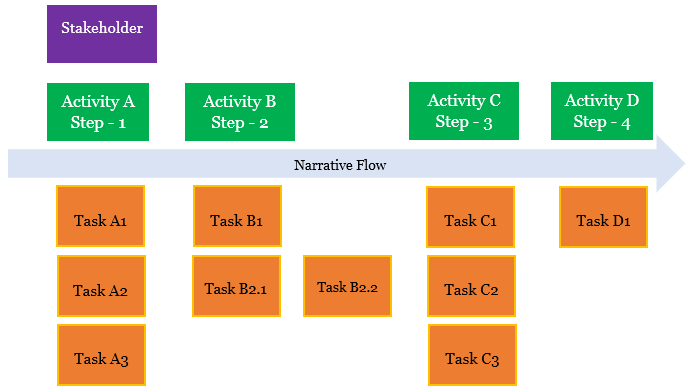
The detailed breakdown
Each one of the tasks breaks into multiple user stories, as discussed above. Now, your development partner should create a detailed description of each user story. If we continue with the “account management” functionality for the end user, they’d need to go into the details of what “create account” requires and what it accomplishes.
There are various ways of writing user stories. Here are two examples for the create account scenario:
“As a user” style
As an online shopper,
I want to create an account on the e-commerce platform,
so that I can save my details, track orders, and shop more conveniently.
Narrative style
The form asks the user to enter the following required fields:
First Name
Last Name
Email Address
Password
The form also includes the following optional fields:
Phone Number
The user reviews and must tick a checkbox to confirm they agree to the Terms & Conditions and Privacy Policy.
The user then clicks the Create Account button.
If all fields are valid, the account is created, the user is automatically signed in, and they are taken to their Account Dashboard, where they can begin shopping.
If any field is invalid, the user is shown clear inline error messages and can correct the information before submitting again.
I prefer the narrative style; it leaves less to the imagination. But the “As a user style” can be backed up with strong acceptance criteria, and it’s faster. So, it really depends on your arrangement with the development partner.
Definition of done
Okay. You have defined the user story. You know what the user will accomplish. But what’s the test to prove this?
That’s where acceptance criteria come in. They are a testable set of conditions that must be satisfied by a user story to be considered done. Let me get straight to a light-weight example. We’ll continue using the “create account” scenario:
Acceptance criteria1:
Form Fields & Requirements
The system must display the following required fields:
First Name
The system must display the following optional field:
A checkbox must be shown for the user to agree to Terms & Conditions and Privacy Policy (required).
Validation Criteria
The system must not allow form submission if any required field is empty.
The email address must be validated for correct format (e.g., name@domain.com).
Submission success
When all fields are valid, and the user submits the form, the system must:
Create a new user account
Error handling
If any required field is missing, show an inline error message.
Errors must be written in clear, user-friendly language.
Timeline and cost
This one’s not too long.
Ideally, you need to get a breakdown of the cost by feature; just getting a total cost will not do. You are building a product, not buying a TV or a car.
You need to use the constraints to prioritise your features and establish a roadmap. The smaller the product, the faster it can be built. The more flexible your next stage can be. What’s immediately important stays, what’s not… moves to a future phase (you can use your user story map to visualise this).
For example, if you are building a SaaS product to help users with their taxes:
You probably don’t need to spend money on “AI-powered games” before you have the basic functionality and flow sorted.
You should spend money on strong authentication and security protocols, over “skeuomorphic file structure UI”
Constraints help you manage the trade-offs. Use this information to identify a product specification that can go live quickly and create value from day one.
In conclusion
The purpose of the artefacts is to establish a common platform for clear communication between you and your development partner. When a project invests in strong documentation upfront, it saves itself from heaps of misunderstandings later on.
By taking the time to map out your goals, articulate your user stories, and agree on the definition of done, you create a foundation that supports clarity, quality and momentum. Everyone involved in a product development project needs to speak the same language, see the same picture, and move towards the same outcome. The right artefacts ensure that everyone knows what success looks like before a single line of code is written. When that happens, you protect your budget, your relationships and your vision.
Creativity is the starting point. But structure and alignment will get you to the finishing line.
If you’d like to have a conversation about successful software development as a non-technical stakeholder, you can book a call through this link: https://calendly.com/sharmapulkitmukesh/30min or write to me at pulkit@pulkit.co.uk
Appendix 1: Detailed example of acceptance criteria:
Form Fields & Requirements
The system must display the following required fields:
First Name
Last Name
Email Address
Password
The system must display the following optional field:
Phone Number
A checkbox must be shown for the user to agree to Terms & Conditions and Privacy Policy (required).
Validation Criteria
The system must not allow form submission if any required field is empty.
The email address must be validated for correct format (e.g., name@domain.com).
The system must not allow duplicate accounts using an existing registered email.
The password must meet minimum security requirements (e.g., minimum length — if you’d like, I can specify exact rules).
Phone number, if entered, must accept only valid numeric characters (format can be flexible or country-specific).
Terms & Conditions checkbox must be checked before submission.
Submission success
When all fields are valid, and the user submits the form, the system must:
Create a new user account
Log the user in automatically
Redirect them to their Account Dashboard
Error handling
If any required field is missing, show an inline error message.
If the email is invalid, show an inline error stating the email format is incorrect.
If the email already exists, show an error allowing the user to choose to log in instead.
If the password fails validation, show an inline error with the requirement(s).
If the Terms & Conditions checkbox is not ticked, show an error.
Errors must be written in clear, user-friendly language.